Why We Built a Gym, Not a School
Most guitar apps treat you like a perpetual beginner. We built a practice workspace for intermediate players who know what they need—and just want the friction removed.
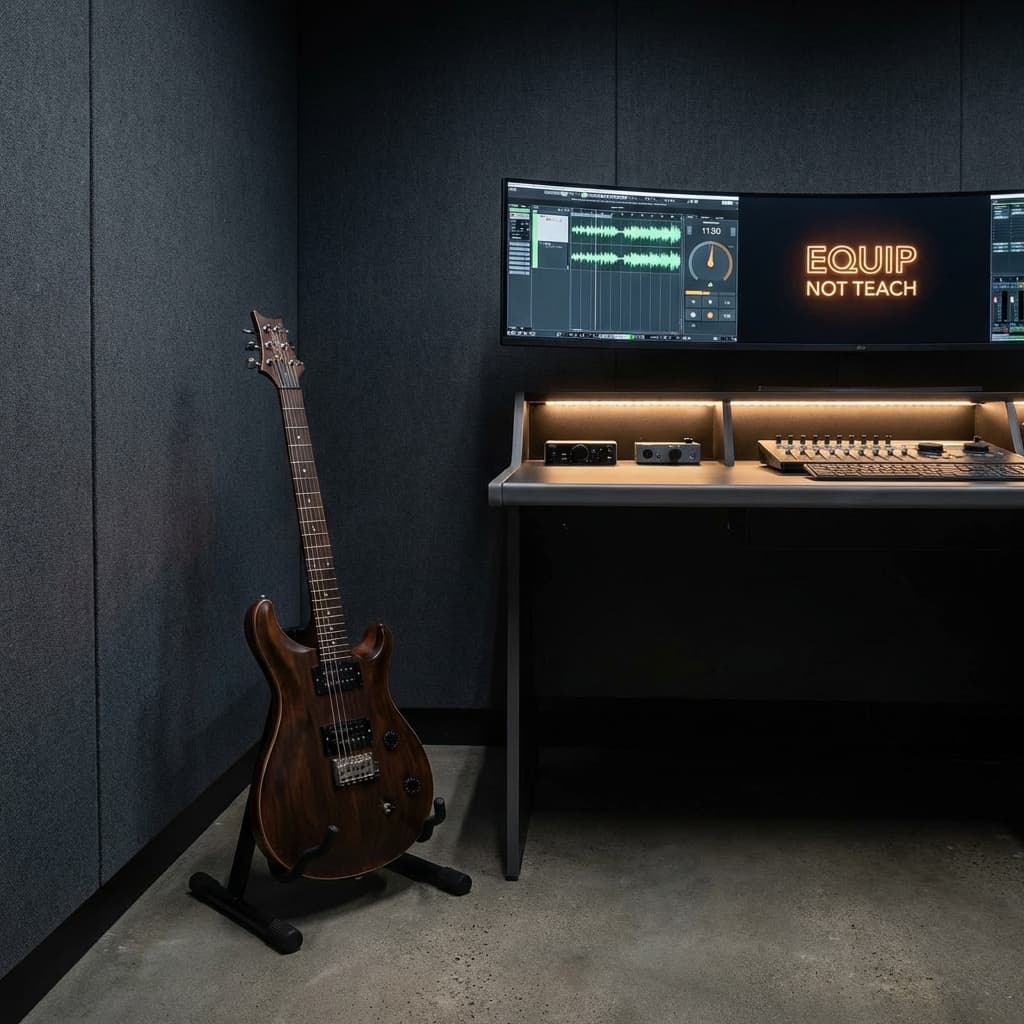
Most guitar apps are designed like classrooms. They want to teach you songs, award you badges, guide you through structured curricula. They treat you like a perpetual beginner.
We didn't build that.
GuitarForge is a gym for guitarists—a practice workspace where you bring your own material, and we provide the equipment. No patronizing tutorials. No artificial progression gates. Just professional tools to support your self-directed practice.
If you've been playing for a few years and know what you need to work on, this manifesto is for you.
The Problem with "School" Apps
Apps like Yousician and Fender Play promise to "teach you guitar." They offer:
- Gamified lesson paths with unlockable content
- Pre-selected song libraries you didn't ask for
- Achievement badges for completing beginner exercises
- Hand-holding interfaces designed for absolute novices
These work great—if you're a total beginner.
But if you're an intermediate guitarist working through a jazz standard from Real Book, learning a solo from your favorite artist, or grinding through tricky chord changes in a band song... these apps become obstacles.
Why? Because they make assumptions about what you should practice. The curriculum is their roadmap, not yours.
What Intermediates Actually Need
Here's what practicing guitarists actually do:
- Find material - Download a tab from Ultimate Guitar, pull up a YouTube lesson, grab a PDF chart
- Reference the track - Open Spotify or YouTube for the backing track or original recording
- Set a tempo - Launch a separate metronome app
- Practice sections - Loop the tricky bar 50 times while incrementally increasing BPM
- Log progress - Scribble "Hit 120 BPM on chorus" in a notes app
- Tune up - Switch to a tuner app mid-session
That's 4-5 different apps.
Each switch costs focus. Each context swap adds friction. By the time you're set up, you've lost 10 minutes and mental momentum.
You don't need another app to teach you "Wonderwall." You need a workspace that doesn't sabotage your flow.
The "Gym" Metaphor Explained
Schools tell you what to learn. Gyms give you equipment and let you design your own program.
Here's how the philosophies differ:
| "School" Apps | GuitarForge (Gym) |
|---|---|
| "Learn your favorite songs!" | "Import your projects. Loop the hard parts. Grind until it's clean." |
| "Fun quiz games and badges!" | "High-rep drills to cure fretboard blindness." |
| "Unlock the next level!" | "Track your BPM gains over time." |
| Pre-selected song library | Bring any tab, PDF, or backing track |
| Gamified progression gates | No artificial limits—practice what you want |
A school app says: "Here's the curriculum—trust us."
A gym says: "Here's the squat rack—you know what to do."
We built GuitarForge because we respect that you already know what you need to practice. You don't need a cartoon teacher. You need:
- A tab viewer that syncs with audio playback
- A metronome that's always accessible (not in a different app)
- A tuner one click away
- Session timers that auto-track your practice hours
- Drills for specific skills (fretboard memorization, chord transitions)
We don't teach you songs. We give you the equipment to master them.
What This Looks Like in Practice
Before: The Toggle Tax
You're learning "Blackbird" by The Beatles. Here's your workflow:
- Open Ultimate Guitar for the tab (app #1)
- Open Spotify for the reference track (app #2)
- Open a metronome app to nail the picking pattern at 80 BPM (app #3)
- Open Notes to log "Reached 100 BPM on verse 2" (app #4)
- Halfway through, realize you're out of tune—open tuner app (app #5)
Result: 10 minutes wasted on setup. Constant interruptions to your flow.
After: Unified Workspace
- Import the "Blackbird" tab (GP file, PDF, or photo of sheet music)
- Add the backing track MP3
- Loop bars 8-12 (the tricky part)
- Metronome is always visible—adjust tempo with two clicks
- Session timer runs automatically
- Click "Tuner" when you need it—no context switch
Result: Zero time switching apps. 100% time practicing.
Who This Is For (And Who It's NOT For)
This is for you if:
- You've been playing 3+ years and know what you want to practice
- You're working through real songs, not beginner exercises
- You value workflow efficiency and measurable progress
- You're tired of juggling 4+ apps during practice
- You appreciate professional tools over cutesy gamification
This is NOT for you if:
- You're a total beginner who needs structured lessons (check out JustinGuitar or Fender Play)
- You want an app to tell you what to practice next
- You prefer guided curricula over self-directed work
- You're looking for social features and leaderboards
We're not building for everyone. We're building for the guitarist who knows what they need and just wants the friction removed.
The Core Philosophy
Schools teach. Gyms equip.
We built GuitarForge with one belief: Intermediate guitarists don't need more lessons—they need better tools.
You already have:
- YouTube lessons
- Tabs from your favorite sites
- A practice plan (even if it's informal)
What you're missing is a workspace that doesn't fight you. A single environment where tab viewer, audio playback, metronome, tuner, and progress tracking live together—so you can focus on playing, not managing software.
We're not your teacher. We're your practice partner.
If that resonates, welcome to the gym.
Sources
- Yousician — https://yousician.com/
- Fender Play — https://www.fender.com/play
- JustinGuitar — https://www.justinguitar.com/
- Ultimate Guitar — https://www.ultimate-guitar.com/
The Equipment
- Fretboard Trainer — High-rep drills to cure fretboard blindness
- Chord Explorer — Look up any chord shape across the full CAGED system
- Scale Explorer — Visualize scale patterns in every position
- Metronome — Always accessible, no app-switching needed
- Tuner — One click away, mid-session
- Chord Transposer — Change keys fast without reworking the whole song
Related Reading
- The Toggle Tax — The research on how app-switching destroys practice sessions
- Motivation Without Manipulation — Why milestones, not manipulation